
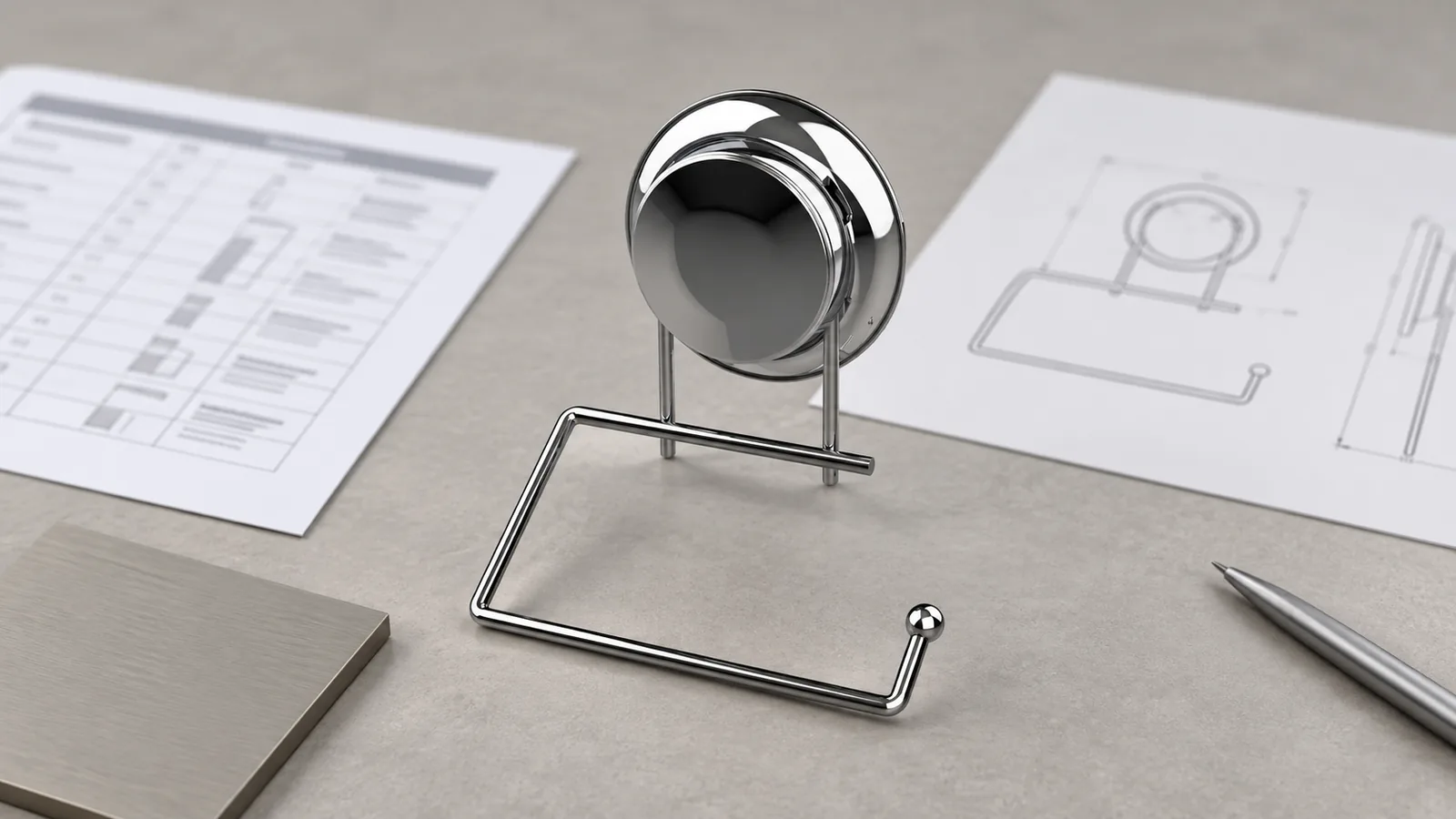
A commercial washroom accessories submittal checklist should connect every scheduled product to the room or location where it will be used, the exact model and revision being reviewed, its finish reference, relevant product data, sample status, approved deviations and planned delivery phase. The buyer should be able to trace an approval from the room schedule to the supplier document and back without guessing which version was accepted. Project specifications and template systems show that schedules and product submittals can be part of a commercial washroom workflow, but the contract documents for each project control what is actually required. This checklist is a coordination tool, not code or installation advice.
What Does a Washroom Hardware Submittal Need to Coordinate?
A submittal is useful when it closes a decision gap between the project schedule and the exact product being approved. It is not useful merely because a PDF exists. A buyer might receive a cut sheet, product drawing, finish sample, mounting diagram, care sheet or quotation, yet still be unable to answer a basic question: does this file apply to the product, room, finish and revision that the project team is discussing?
Commercial projects often distribute information among a room schedule, drawings, specifications, procurement records and supplier files. A project-specific Infrastructure BC washroom-accessories specification requests product data for each product type and a product schedule tied to room designations on issued-for-construction drawings. That is one project example, not a universal rule for every contract. The ATS commercial washroom template page also lists submittals and plumbing schedules as available project resources; access and requirements vary. A commercial washroom accessories submittal checklist should organize the documents required by the buyer’s own contract and responsible design team.
For an importer or distributor coordinating a metal accessory package, the practical task is to create a reliable cross-reference. Each scheduled line should identify the product and its current approval state. When a question, revision or substitution occurs, the buyer should see which rooms, samples, purchase orders and shipment phases are affected.
Start with the Room Schedule and Product Identity
Begin with the project’s room or location schedule, not an unstructured collection of supplier PDFs. Use the room identifiers and product codes supplied by the project team. If the buyer’s system uses a separate SKU, retain both identifiers so a supplier part number does not replace the project reference.
A useful schedule line can include:
| Record field | What the buyer records | Coordination purpose |
|---|---|---|
| Project and room | Project name, floor, room number or location code | Shows where the scheduled item belongs |
| Product identity | Project product code, buyer SKU, manufacturer model or supplier reference | Prevents similarly named items from being confused |
| Approved design basis | Drawing number, revision and relevant detail reference | Connects the item to the current reviewed information |
| Finish | Finish name, code, approved sample or written reference | Makes visual approval traceable |
| Quantity and phase | Quantity by room, release or shipment phase | Helps procurement reconcile partial releases |
| Status and owner | Submitted, under review, approved, revised or superseded; responsible reviewer | Makes the next action visible |
Do not invent room designations or replace a project-issued code with a supplier’s internal description. Where product names differ among systems, preserve the original name and add a cross-reference. A buyer might use an internal description such as “wall-mounted paper dispenser, north washroom” while the drawing and supplier catalog use different codes. The point is not to force one naming convention; it is to make the relationship explicit.
The exact model should be paired with its relevant configuration. If options change the form or finish, record which option applies to the scheduled line. A supplier brochure showing a family of models is not a substitute for identifying the actual model and revision under review.
Link Drawings, Product Data, Finishes and Mounting Assumptions
Once the scheduled item is identified, connect it to the documents that answer the project’s actual approval questions. A controlled submittal register might reference a product data sheet, dimensional drawing, finish reference, sample record, mounting information supplied by the responsible project party, and open-question log. Not every project needs every document. The contract, design team and procurement requirements determine the appropriate evidence.
Keep the source and revision of each document visible. A file called “latest drawing” is difficult to audit if the drawing number, revision and date are missing. Likewise, finish names such as “brushed,” “satin” or “black” can describe broad appearances rather than a specific buyer-approved reference. Record the supplier or buyer finish code, sample identifier, approval date and any limitation attached to the approval. A color sample approved under one lighting condition should not silently become a universal promise about every production lot; production tolerances and the approved reference should be discussed with the responsible parties.
Mounting details require special care because a hardware supplier’s product drawing may show a product interface, while the project drawings and responsible designer determine wall construction and placement. The buyer should record which mounting assumptions are confirmed, which are supplied by the design team and which remain open. A product data page does not, by itself, establish substrate suitability, code compliance or installation approval. Route those questions to the responsible project professional.

For a practical register, give each document a short reference and retain the actual file in the project’s controlled document system. The table can identify “drawing D-104, revision C” or “finish sample F-07, approved 29 October,” while the project system holds the source file. If a revision supersedes an earlier submission, mark the earlier file as superseded rather than deleting its history. That creates an audit trail without leaving reviewers to guess which PDF remains current.
Record Samples, Deviations, Substitutions and Release Phases
A sample approval is a decision about a defined sample and defined characteristics. Record the sample identifier, the product model and revision it represents, the finish reference, the reviewer, decision date and any conditions. If the sample differs from the production drawing or contains an unresolved deviation, write that down and assign an owner. “Approved as noted” should link to the actual note; it should not be treated as unconditional acceptance.
Substitutions deserve a separate row or change record. Compare the proposed substitute with the scheduled product and state what changed: model, dimension, material, finish, mounting interface, supplied component, document revision or packaging. Identify the party authorized to review that change under the project process. A supplier can provide product information or explain a manufacturing change, but the buyer should not assume that the supplier has authority to approve a project substitution.
Phased procurement adds a timing dimension. One model may appear in multiple rooms or delivery releases. If a revision changes after the first release, document which quantities, rooms, samples, cartons and purchase orders use each revision. A phased release log can show the planned quantity, approved revision, requested delivery date, actual release and unresolved items. This is a coordination aid; the project’s contract remains the source for formal dates and acceptance obligations.
A concise approval matrix can look like this:
| Product / room reference | Document and revision | Finish / sample | Decision or deviation | Release / quantity | Owner and next step |
|---|---|---|---|---|---|
| Buyer and project identifiers | Drawing number, revision, product data date | Sample or finish code and approval date | Approved, conditional, rejected or open | Phase, room count or purchase order | Reviewer, supplier contact and due date |
| Keep original room code | Do not use “latest” without revision | Link the physical or digital reference | Record each condition precisely | Reconcile split orders | Keep the decision history |
Use the matrix to reveal missing information, not to imply that a spreadsheet can replace the project’s submittal platform or approval procedure.
Common Coordination Failures Before Approval
A product family is submitted instead of the scheduled model. A catalog may show several sizes, finishes or mounting options. If the submittal does not identify which option is proposed, the reviewer may approve a document that does not match the quotation or room schedule. Ask the supplier to identify the exact configuration and record the model reference on the schedule.
The finish name is treated as a complete specification. Generic descriptions can conceal different visual references. Link the finish to a sample, code or buyer-approved document, and keep the decision tied to the particular model and revision. Do not promise that an unrelated finish sample proves the appearance of a different substrate or process.
An old drawing remains in circulation. Teams often forward the first PDF they received because it is easy to find. Preserve the prior record, mark it superseded and direct reviewers to the current controlled revision. The change log should show what moved and when.
Room quantities do not reconcile to purchase phases. A product may be approved across a building but released in more than one order. Reconcile room count, project quantity, spare quantity if specified, and each shipment phase. Do not infer spare quantities or delivery milestones; use the buyer’s schedule and contract.
A substitution is described only as “equivalent.” That word does not identify which characteristics were compared or who accepted the difference. Record the changed fields and obtain the approval required by the project. If a technical or accessibility question falls outside the buyer’s authority, send it to the responsible professional.
An approval is detached from its sample or condition. A saved email may say “approved” while leaving unclear which finish chip or revision it refers to. Record the sample number and approval condition in the schedule row, and preserve the message or sign-off in the project record.
Supplier documents are mistaken for project approval. A data sheet can describe a product; it cannot show that a project’s designated reviewer accepted it. Keep supplier-submitted data and project approval as separate states in the register.
What a Metal-Hardware OEM Supplier Can Contribute
A specialized OEM manufacturer can help buyers clarify the product-specific information needed for a sourcing discussion: the drawing or physical sample being quoted, relevant dimensions, material and finish references, interface assumptions, sample status, packaging details and questions that need confirmation. Clear inputs also help avoid a common handoff problem: a buyer and supplier discussing the same product name while using different drawings or finish versions.
Koitor Hardware is a family-owned custom metal hardware factory focused on bathroom and home-storage hardware. Its documented work supports general communication around metal-product drawings, sample development, finish coordination and packaging. That does not establish that Koitor supplies every product type on a commercial washroom schedule, acts as an architect or installer, certifies a project, or has project-specific performance reports. Buyers should confirm the exact product and supplier scope before adding any line to a project package.
For a custom or private-label item, send the supplier the relevant schedule row, drawing revision, finish reference, target quantity and planned delivery phases. Ask which inputs are confirmed, which assumptions remain open, what the sample represents and what changes would require renewed review. A supplier response should be recorded against the same buyer and project identifiers used in the schedule. See Koitor’s custom bathroom hardware manufacturer information for the appropriate OEM discussion. For product-specific dimensions or installation questions, see the separate commercial toilet-paper holder specification guide; do not treat this submittal checklist as a substitute for product-specific advice.
Buyer Checklist Before Approving a Washroom Hardware Package
Before marking a line approved, confirm that the project team can trace the decision through the following items:
- Project, floor, room or location code matches the current schedule and drawing set.
- Buyer SKU and supplier model identify the same configuration.
- Drawing number, revision and date are recorded; superseded files are marked.
- Product data applies to the scheduled model rather than a broader product family.
- Finish reference points to a sample, code or document and records its review state.
- Mounting assumptions are attributed to the responsible source and unresolved questions remain visible.
- Sample identity, represented revision, reviewer and approval conditions are documented.
- Deviations and substitutions are itemized and routed to the authorized reviewer.
- Room quantities reconcile with purchase orders and phased deliveries.
- Each decision has an owner, date and next action.
- Supplier submittal and project approval are tracked as distinct states.
- Any applicable code, accessibility, installation or site-condition review is assigned to the responsible project professional.
This checklist helps buyers find missing links in the approval record. It does not decide whether a product is code-compliant or suitable for a particular wall condition.
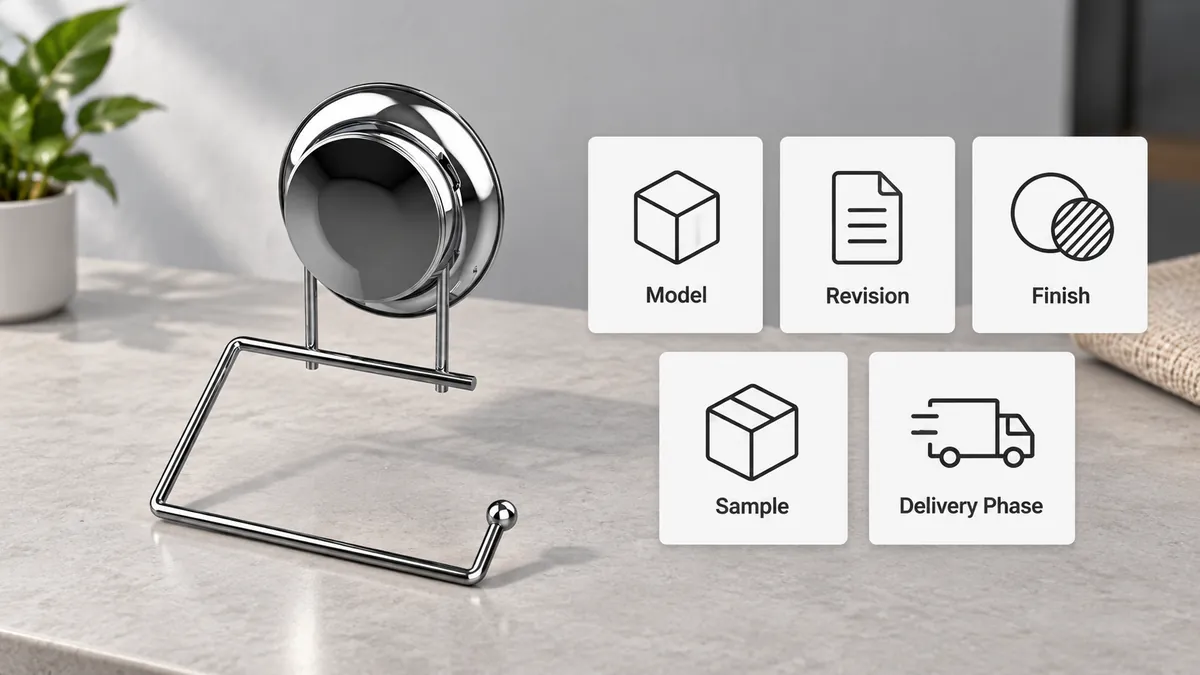
Frequently Asked Questions
Is a commercial washroom accessories submittal checklist required for every project?
No universal requirement is asserted here. The project specifications, contract, design team and procurement process determine which documents and approvals are required. The checklist is a practical way to organize the required inputs once those obligations are known.
What is the difference between a room schedule and a product submittal?
A room schedule identifies products or quantities by project location. A product submittal provides information about a proposed product for review. Buyers should connect the two so a reviewer can tell which exact model and revision is proposed for each scheduled line.
Should a buyer approve a substitute based only on a supplier’s comparison?
The buyer should follow the project’s approval process. A supplier can explain product differences and provide supporting information, but the authorized project reviewer must decide whether a substitution is acceptable where the contract assigns that decision elsewhere.
How should buyers handle a finish change after sample approval?
Record the old and new finish references, the affected model and revision, the reason for the change, the quantity or release affected and the party who must re-review it. Do not treat the old approval as automatically covering a changed finish.
Can the supplier confirm mounting and accessibility requirements?
A supplier may clarify product geometry and the assumptions represented in its product information. Project mounting conditions, code interpretation and accessibility decisions should be confirmed by the responsible design or installation professional.
How can phased deliveries be tracked without creating duplicate product approvals?
Keep one controlled product identity and approval record, then reference it from each release row. If a model, finish, revision or approved deviation changes between phases, record the new decision and affected quantities rather than silently reusing the earlier approval.
Work With Koitor Hardware
Need to Align a Washroom Hardware Submittal?
Share the product schedule, drawing revision, finish reference, mounting assumptions and planned delivery phases. Koitor can discuss the metal-hardware inputs relevant to an OEM sample or quotation; project approvals remain with the responsible project team.
OEM / PRIVATE LABEL
Turn this sourcing guide into a product brief
Share your target product, size, finish, order quantity and packaging requirements. Your team receives a practical manufacturability review before quotation.


 English
  Español
  Português
  Français
  Deutsch
  العربية