
A retail product image brief should identify the exact hardware SKU, approved product revision, package state, image purpose, and recipient requirements before photography starts. A visually attractive image can still be wrong if it shows an unapproved finish, an accessory that is not included, an outdated mounting structure, or an obsolete package. The importer should supply the photographer or factory with a controlled sample and a shot list, then approve the final assets against the product record. For an importer, the GS1 product image requirements should be evaluated against the target assortment, installation context, and written sample criteria.
GS1 maintains a Product Image Standard, and its standards repository currently lists Product Image Specification release 5.1.0, last modified 19 October 2026. That standard supports image storage and exchange; it does not replace a retailer’s current instructions. Image requirements, file naming, views, and acceptance may vary by product category and recipient. Confirm the applicable data-pool, retailer, and regional rules instead of applying one universal pixel size or file format.
Separate image purpose from image style
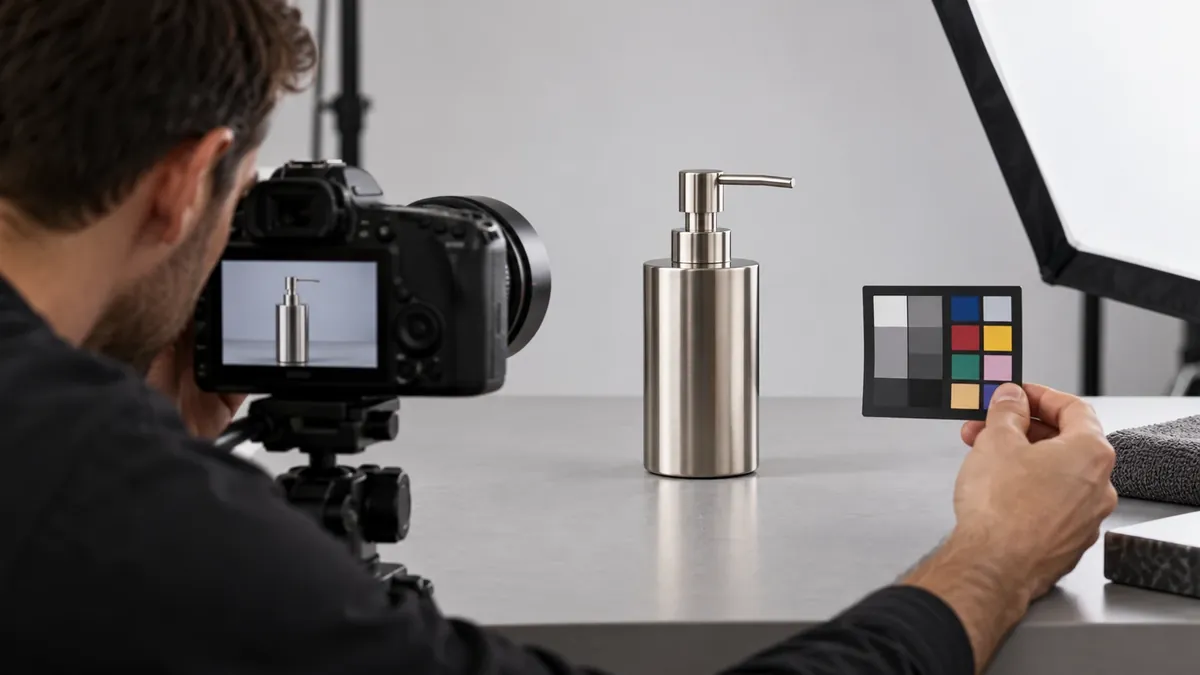
Before requesting images, decide what each image is supposed to do. A primary product image, an out-of-package view, an in-package image, an installation view, a detail photograph, a dimension diagram, and a lifestyle image answer different questions. One attractive angle rarely serves every purpose.
For a metal rack, a buyer may need to show the product alone, the item assembled, the item inside its retail package, and specific features such as mounting points, finish, adjustable parts, or included hardware. The supplier brief should label each requested image by purpose and the exact SKU or packaging level. If a retailer requests a specific image type or naming pattern, use its current guide and map that request to the appropriate asset.
Do not assume one image can serve every retailer, channel, and item record. One recipient may need a clean product view; another may request additional views or package images. Regional requirements can also differ. Use the GS1 specification as the applicable standard reference where required, and use the recipient’s current implementation guide for additional rules.
An image list can look like this:
| Asset type | What it should show | Buyer approval question |
|---|---|---|
| Product hero | Actual product in the requested state | Does it depict the approved SKU and finish? |
| Out-of-package | Product removed from packaging, assembled if needed | Are all shown parts included or clearly identified? |
| In-package | Retail pack and visible contents | Is this the approved package revision? |
| Detail view | Feature, joint, finish, or mounting interface | Is the detail accurate and unaltered? |
| Installation/use view | Product in an intended configuration | Is the mounting method and setting representative? |
| Dimension image | Measured dimensions and reference points | Do values match the controlled drawing? |
The list is a planning tool, not a universal GS1 or retailer image mandate. The actual required types should be verified against the current recipient instructions.
Identify the item, sample, and revision
Every photography session should be linked to a specific product identity. Provide the item name, internal SKU, GTIN if assigned, drawing revision, approved sample ID, finish, configuration, and package version. For a product family, identify which size, color, or mounting variant is being photographed. Do not rely on a shared folder name such as “new rack” to distinguish versions.
The sample must represent the version the buyer intends to publish. If photography happens before the final sample is approved, mark the images as provisional and do not treat them as final product evidence. A later change to the finish, handle, shelf, mounting plate, included screws, or packaging may require new images. The buyer should define what changes trigger a reshoot or asset review.
A product record should include:
- Item identifier and market.
- Product model and variant.
- Drawing and sample revision.
- Finish and color reference.
- Included components and accessories.
- Packaging hierarchy and revision.
- Image purpose, view, and asset status.
- Approval owner and date.
- Usage rights and intended channels.
If the product is private label, separate brand artwork from the physical product details. A logo or label can be changed without changing the metal article, but the image may still need to be updated if it depicts old packaging. Likewise, a new finish can change the product image even when the product geometry is unchanged.
Build the shot list around product truth
The supplier brief should tell the photographer what must be visible and what must not be invented. For a metal product, specify the correct orientation, assembled state, finish, component count, mounting hardware, and any supplied accessory. If a screw kit is not included, do not show it as though it is part of the retail unit. If a product is sold in multiple configurations, create a separate shot list for each.
Use a controlled sample and check:
- Overall shape and proportions.
- Finished color and surface appearance.
- Welds, bends, hooks, openings, and joints.
- Included fasteners, pads, caps, or purchased parts.
- Product orientation and assembly state.
- Packaging and label revision.
- Any feature claimed in the product description.
A photograph should not hide a structural feature that changes how the item is installed or used. Do not retouch away a mounting plate, adjust a hook shape, add a screw, remove a seam, or alter the product to make the image more attractive. Background cleanup and lighting correction may be acceptable within the recipient’s rules, but the physical representation must remain accurate.
If a lifestyle or installation image is requested, verify the installation scenario. A wall-mounted rack image should not depict an unsupported mounting method or claim compatibility with a surface that was not tested. A product shown with other items should make clear which items are accessories or props rather than included components. The image brief should name those distinctions.
Treat color and finish as an approval item
Metal finishes can be difficult to represent consistently across screens, lighting, and photography setups. The buyer should identify the reference sample, color code or finish specification if available, and the responsible approver. The photographer should not independently adjust hue or brightness until a different finish appears. Use a controlled lighting and color-review process appropriate to the buyer’s workflow.
A photo can support a visual review, but it does not establish a material grade, coating thickness, corrosion resistance, or exact color under all display conditions. If the retailer requires a measured color target or a defined asset profile, follow the current instruction and use suitable equipment or an approved workflow. Do not describe an image as proof of technical properties it cannot show.
For a range of finishes, photograph each variant separately or use a recipient-approved method to identify them. Avoid using one image for several color SKUs if the depicted finish could mislead a buyer. Name the corresponding sample, revision, and identifier for each asset.
Distinguish real product photography from concepts and renders
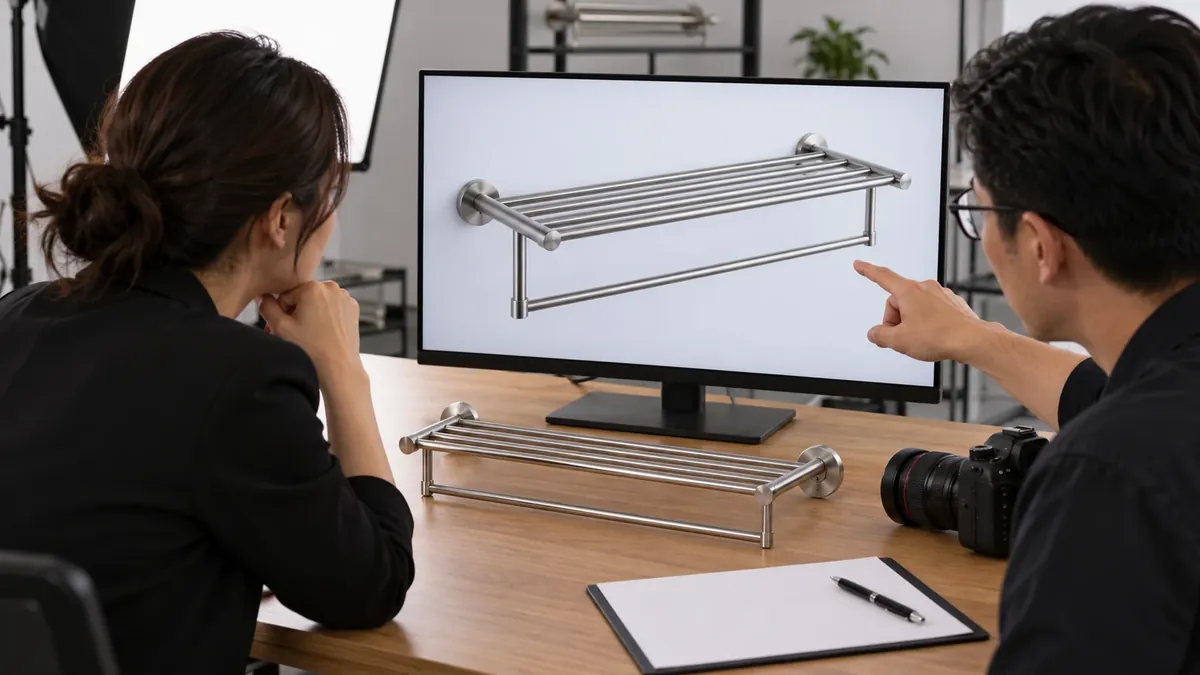
A concept rendering, AI-generated visual, or retouched composite can help communicate an idea during product development. It should not be mistaken for an actual photograph of an approved production item. If the image is used in an early concept deck, label it clearly as a concept. If a retailer or data-pool process expects a product image that represents the real item, ask the recipient whether a render is acceptable and what disclosure or image type is required.
Do not use a generated image to invent a product feature, finish, included accessory, mounting system, or packaging configuration. A render may appear plausible while showing an unverified design. When the actual SKU has changed, do not preserve the old photo merely because the difference seems small. Review the image against the current approved sample and the recipient’s requirements.
Separate blog editorial imagery from retail item assets. A generic illustrative image may be suitable for an educational article if accurately captioned, but it is not automatically acceptable as a brand-owner product image or GDSN asset. The importer and recipient control those decisions.
File naming and delivery instructions
Use the exact naming and file-delivery rules required by the recipient or data pool. GS1’s Product Image Specification contains detailed guidance for image types and storage; the correct naming convention, dimensions, format, and metadata depend on the current specification and relevant implementation. This article intentionally does not prescribe one universal pixel size, filename, or file format.
For each image, provide:
- Asset name and item identifier.
- Image type or purpose.
- Product, package, and revision shown.
- Language or market where relevant.
- Creator and usage rights status.
- Approval status.
- File format and delivery location as requested.
- Any required metadata or identifier linkage.
Keep originals and approved exports organized. Use a predictable folder structure and prevent working files from being mistaken for final assets. If a data pool or retailer requests a particular filename pattern, test it with one item before scaling across an assortment.
Assign responsibility for facts and approvals
The factory may provide a controlled production sample, product dimensions, component list, finish identification, and packaging facts it can verify. The brand owner or importer usually owns the product-content record, confirms what is sold, and approves brand and market presentation. The photographer creates the image files under the brief. The retailer or data-pool provider specifies delivery and validation rules.
| Decision or fact | Factory can contribute | Importer or brand owner approves | Recipient/data pool confirms |
|---|---|---|---|
| Product configuration | Sample, components, revision | Sellable SKU and included parts | Image type or item linkage |
| الأبعاد | Measured product/package values | Source-of-truth record | Required attributes and units |
| النهاية | Production sample and finish description | Visual match and market claim | Additional recipient image rules |
| التغليف | Pack-out sample and revision | Retail pack and labels | In-package asset requirements |
| Image usage | Product access and factual review | Rights, channels, and brand approval | Accepted formats and delivery process |
This table is a workflow aid, not a legal allocation of responsibility. Confirm roles in the actual project and retailer onboarding process.
Specify how the GS1 product image requirements sample will be measured, installed, and approved before production release.
Record how the GS1 product image requirements will be checked against the approved drawing, reference item, and sample acceptance criteria.
Review images before publication
Use a two-part review. First, compare the image to the approved sample and packaging revision. Second, compare the asset to the recipient’s current technical rules. A file can be visually accurate but rejected for a technical reason, or technically valid but represent the wrong product.
Check that:
- The right item and revision are shown.
- The finish, structure, and included components match.
- The image corresponds to the assigned type and package state.
- No props are mistaken for included parts.
- Any dimensions or annotations match the controlled source.
- The file meets the recipient’s current format and naming rules.
- The image owner has approved its intended channels and use.
- Obsolete files are clearly withdrawn or marked superseded.
Keep feedback specific. “The image is wrong” should be replaced with the exact item, feature, or file issue: “The shown bracket is revision B; approved sample revision C uses a different mounting plate.” That gives the photographer or supplier a concrete correction.
Manage image changes as product changes
An image may need review when the product, finish, pack, label, included accessory, or market changes. Maintain a link between each asset and the SKU revision it depicts. When a file is superseded, record the new asset and remove or clearly retire the obsolete version from active folders and data systems.
If a product image is reused across several GTINs, verify that the product configurations and recipient rules permit it. Do not assume that a shared family image is suitable for every size or finish. If a packaging level changes, determine whether the item record requires new in-package images or other updated documents.
Supplier brief checklist
Before photography or file delivery, provide:
- SKU, GTIN if assigned, and target market.
- Approved sample and drawing revision.
- Finish and color reference.
- Included components and excluded props.
- Required image types and views.
- In-package or out-of-package state.
- Installation or use conditions, if requested.
- Exact product and package dimensions for any annotations.
- Current recipient or data-pool specification.
- File naming, format, delivery path, and approval owner.
- Usage rights and channels.
- Change-control contact and obsolete-asset process.
For current technical requirements, refer to the GS1 Product Image Specification and confirm the version and applicability with the data pool and recipient. As of this article’s review on 28 October 2026, GS1 lists release 5.1.0 as current. Recipient-specific instructions still control the actual handoff.
Sourcing takeaway
A reliable product image set begins with the approved physical item and a specific purpose for every view. Importers should tie each file to a SKU and revision, distinguish real product evidence from concepts, verify finish and included parts, and follow the current GS1 and recipient requirements for delivery. The goal is an accurate representation of the sellable hardware, not a generic set of attractive images.
For metal hardware product context, review Koitor’s OEM home-storage hardware information and confirm which product, finish, packaging, and sample facts the factory can provide for the specific project.
Discuss Your Retail Product Images for Metal Hardware Specification
OEM / العلامة التجارية الخاصة
حوّل دليل التوريد هذا إلى موجز منتج
يرجى إطلاعنا على المنتج المستهدف، والحجم، والتشطيب، وكمية الطلب، ومتطلبات التغليف. وسيتلقى فريقك تقييمًا عمليًّا لإمكانية التصنيع قبل تقديم عرض الأسعار.

 English
  Español
  Português
  Français
  Deutsch
  العربية